

Enhanced App inventory
Looking at What’s new in Microsoft Intune – Microsoft Intune | Microsoft Learn we see, that enhanced app inventory is now available 🚀
What is enhanced app inventory? Enhanced app inventory leverages the properties catalog, to pull data from the device. The data contains (for example, see the full list at App inventory for Windows devices – Microsoft Intune | Microsoft Learn):
- Install location
- Estimated size
- Uninstall command
- MSI Product code
This is a huge enhancement! Why is that?
- The inventory is updated multiple times a day
- The data is read from system and user level in the registry (HKLM and HKU/{SID} and from package manager also from system and user level for store apps
- It shows you the install scope, if its installed at system or user level
- It has multi-user support, where the classic “discovered apps” shows only data from the last logged-in user
Unfortunatley, its currently only available for Windows but macOS, iOS/iPadOS and Android support is planned according to App inventory for Windows devices – Microsoft Intune | Microsoft Learn
Where is the data coming from?
For Win32 apps, Intune is retrieving the data from the registry and for Windows Store apps, its using the package manager API. Collection is happening at each sync-cycle.
How to configure enhanced app inventory
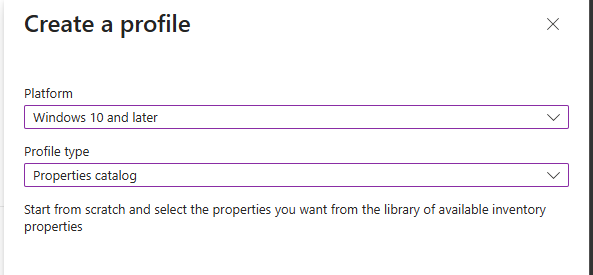
In Intune, create a new properties catalog policy for Windows 10 and later (if you already have a properties catalog policy, you just can add the settings to the existing policy)
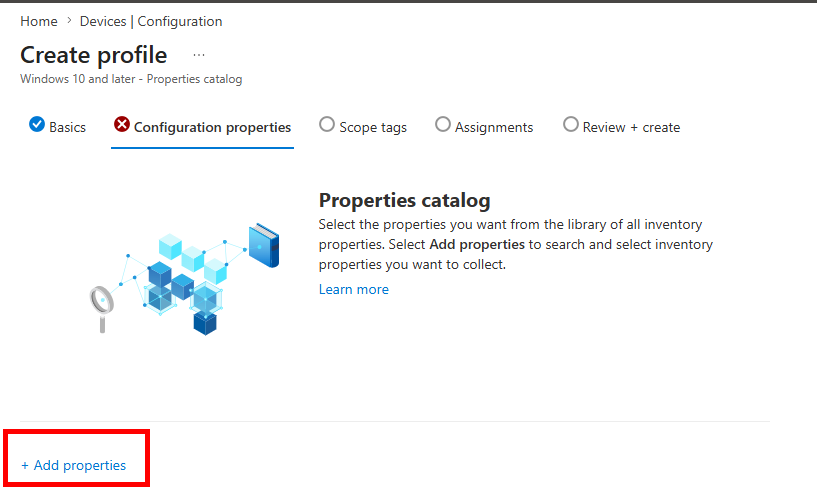
After giving the policy a name, click add properties
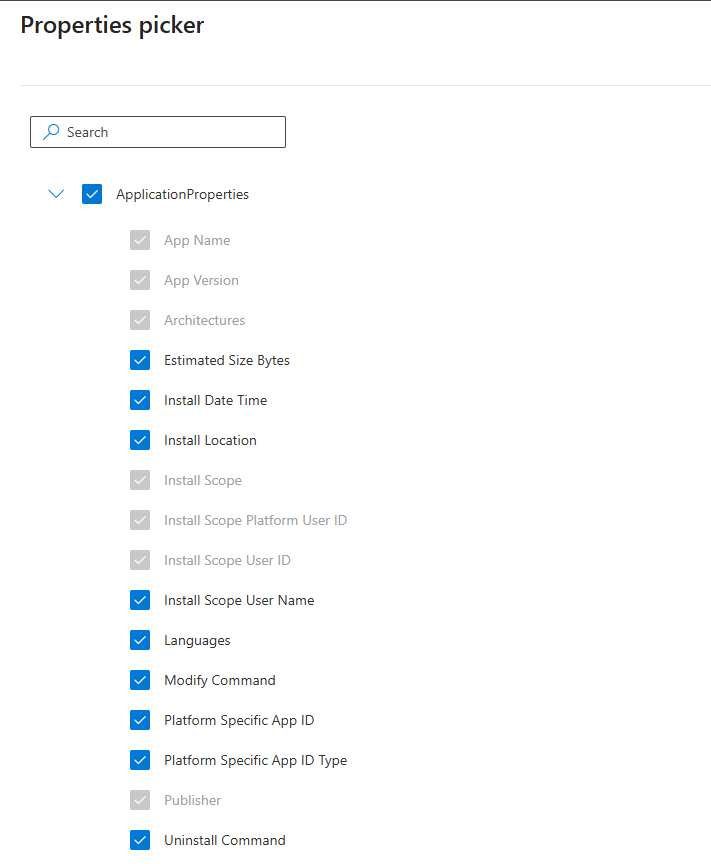
Choose ApplicationProperties, be aware, that some properties are mandatory and cannot be skipped.
After that, assign it to all devices or a group of your choice
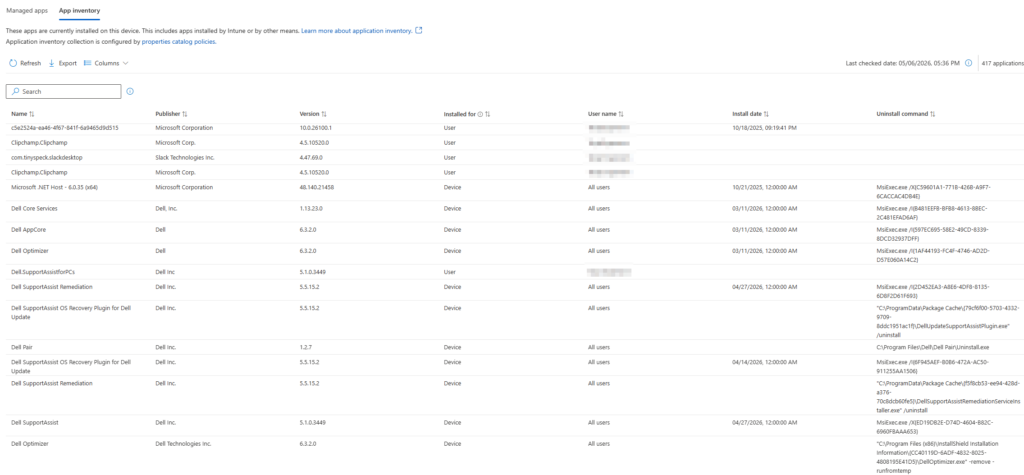
How does enhanced app inventory looks like?
Go to one of your device (I already use the new device view preview 🙂), click Tools and reports and go to All Apps

Then go to App inventory
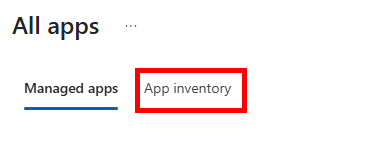
Et voila 🙂
Conclusion
Finally we get deeper insights on the apps installed to the devices without any third-party software or scripts. Let’s see whats more to come in the future 🙂
[…] This post was published first on How to use Microsoft Intune enhanced App inventory for advanced insights […]